🧾
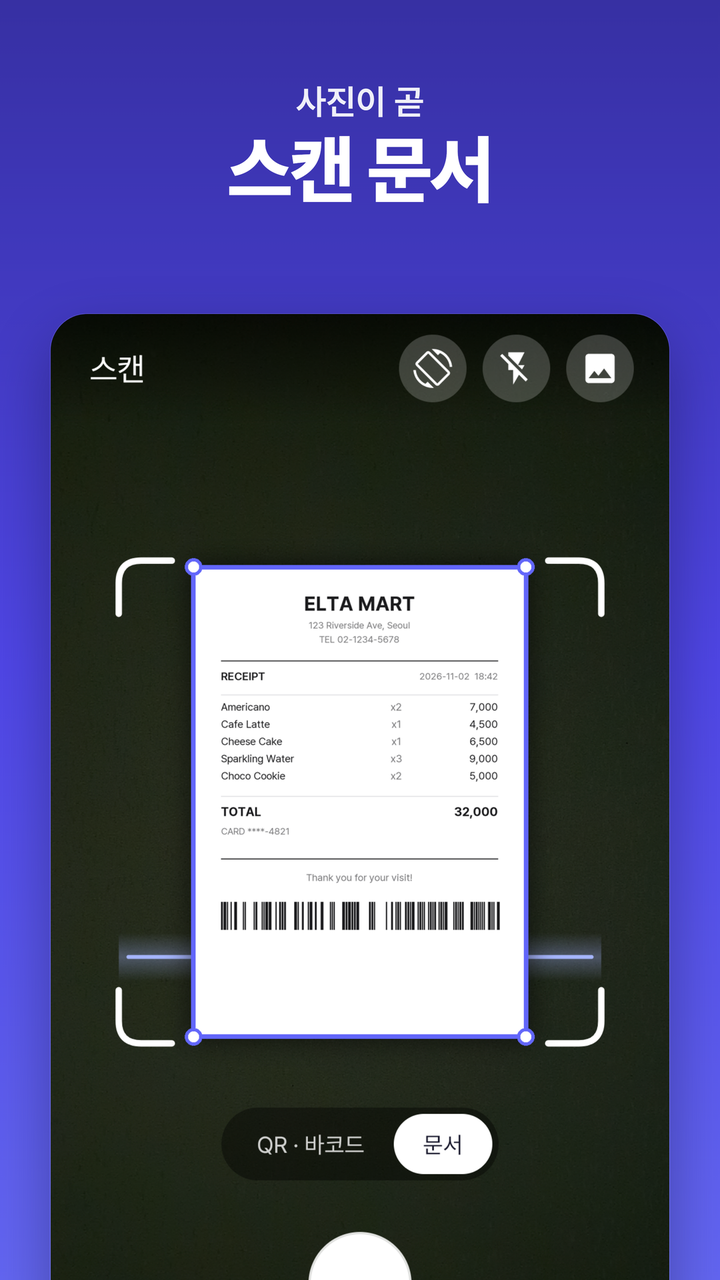
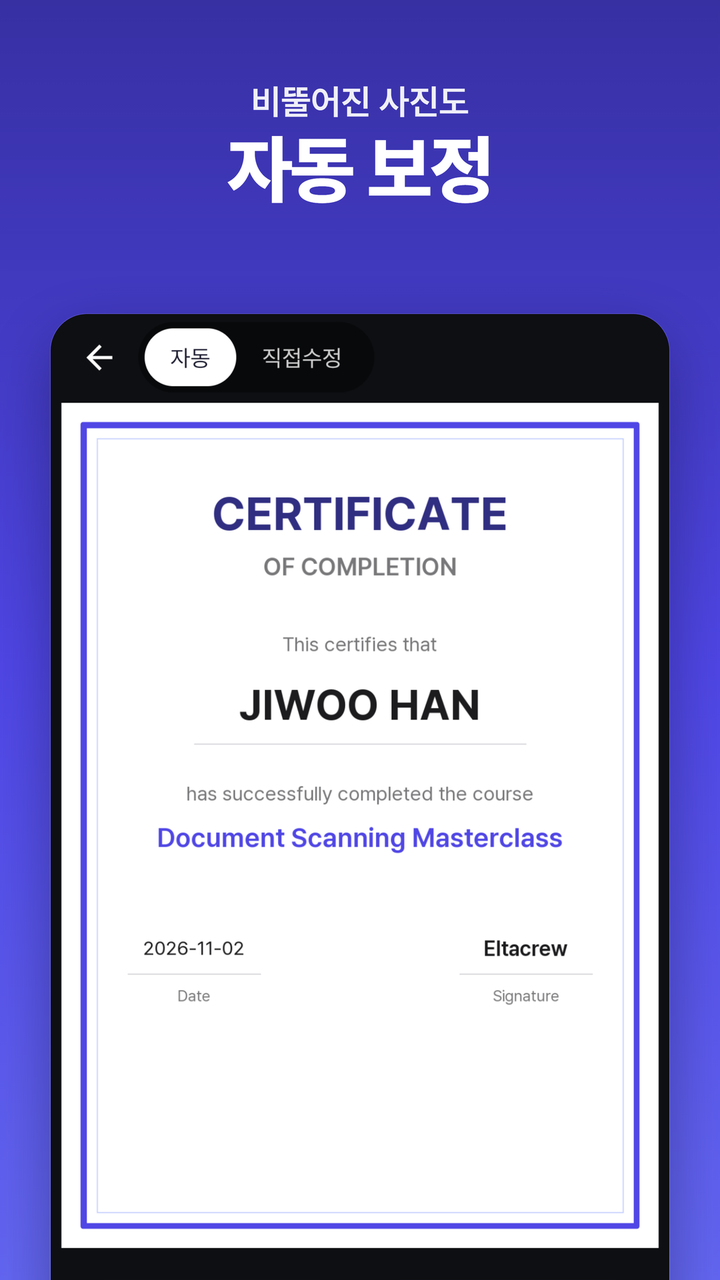
문서 스캔 (핵심)
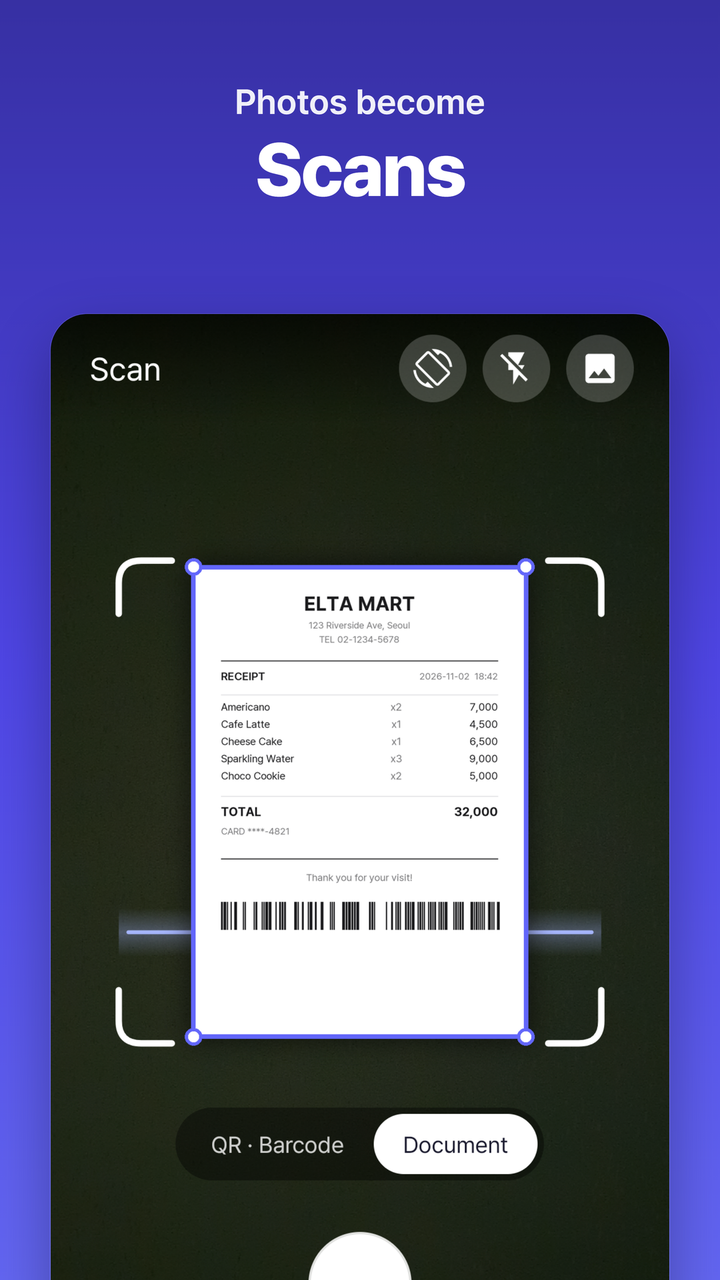
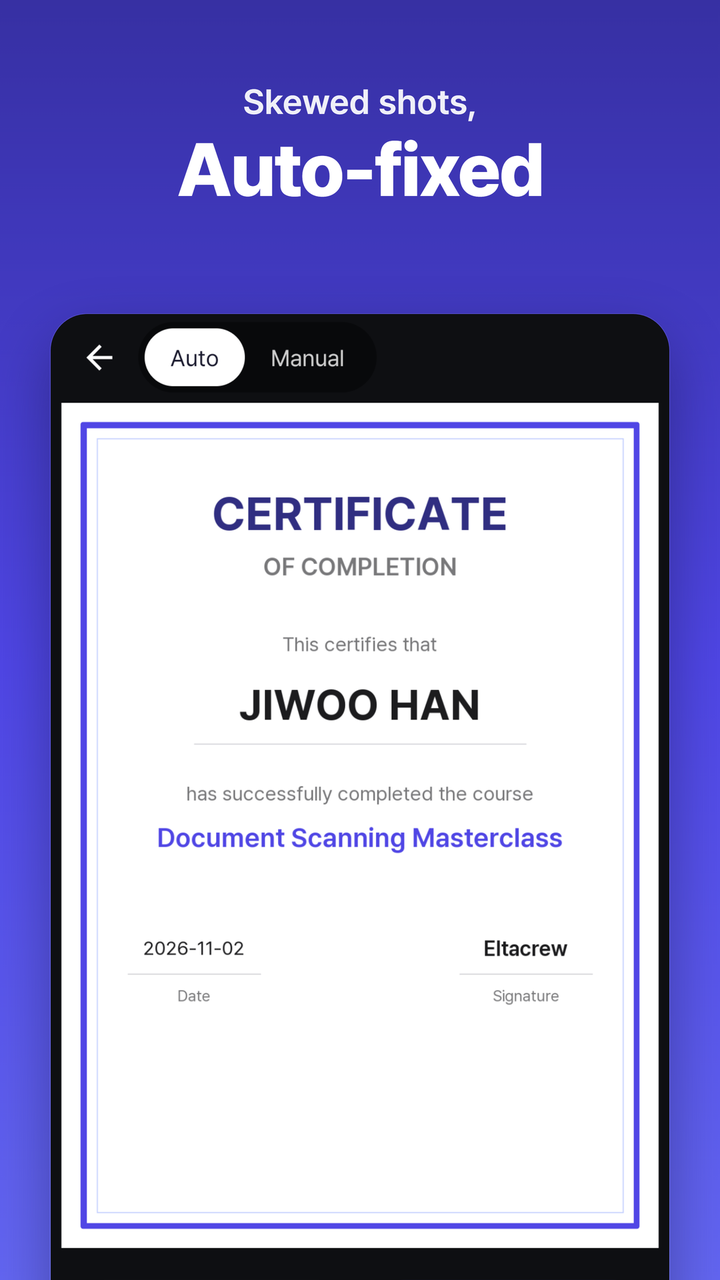
Document Scanner (core)
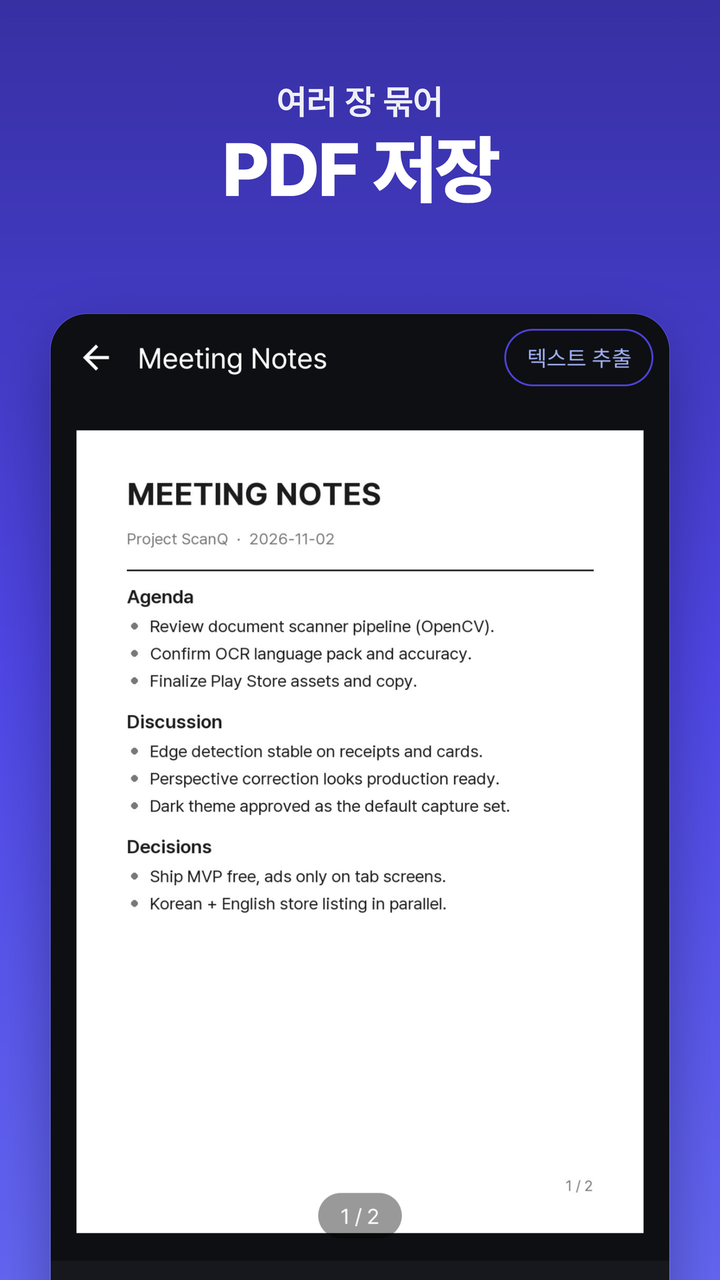
자동 모서리 감지 + 수동 보정으로 비뚤어진 사진을 반듯하게. 원근 교정으로 정면에서 찍은 듯 평평하게. 원본·회색조·흑백 필터, 여러 장을 한 PDF로, PDF·PNG 저장·공유.
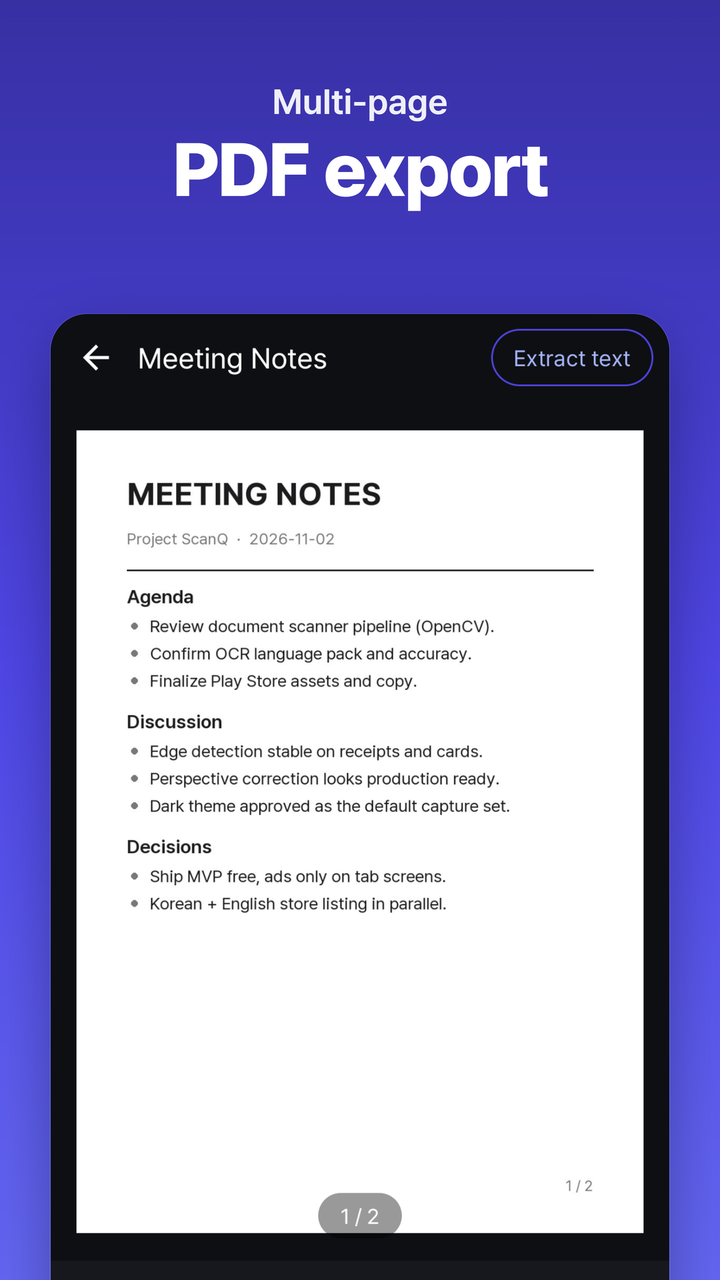
Auto edge detection plus manual adjust straighten skewed shots. Perspective correction flattens the page as if shot head-on. Original, grayscale, and B&W filters, multi-page PDF, save or share as PDF/PNG.
🔍
QR·바코드 스캔
QR & Barcode Scanner
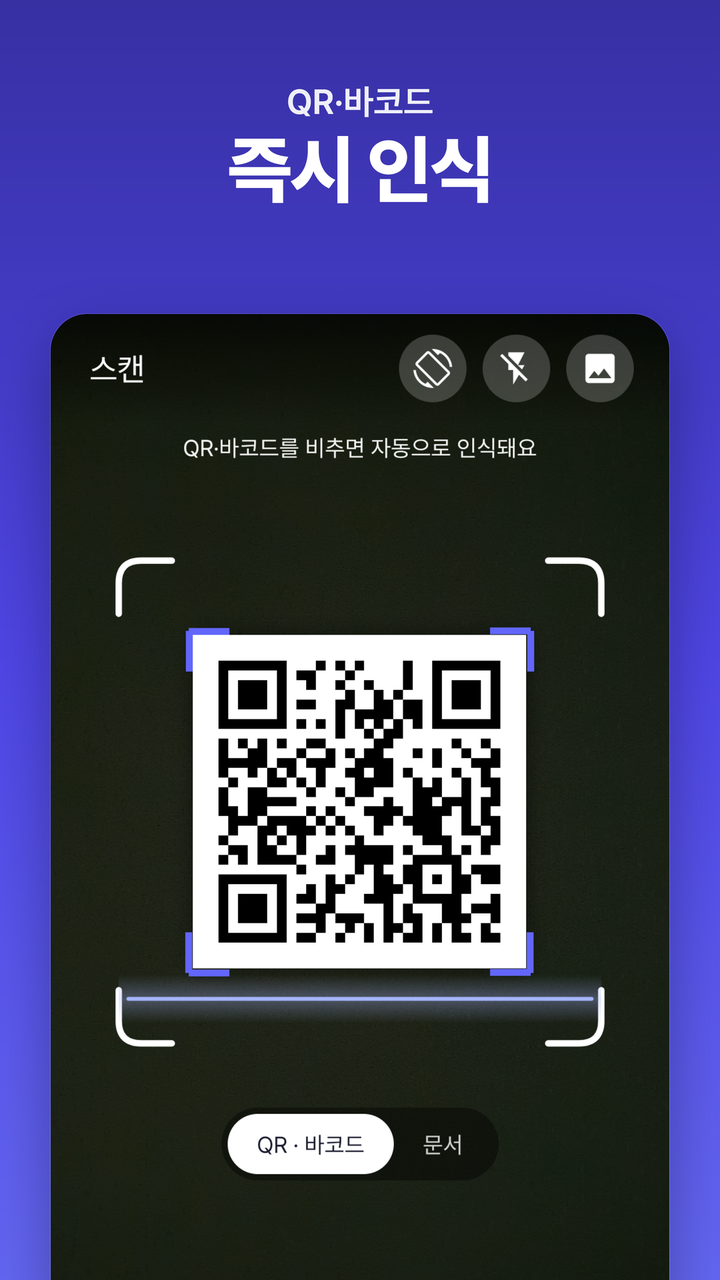
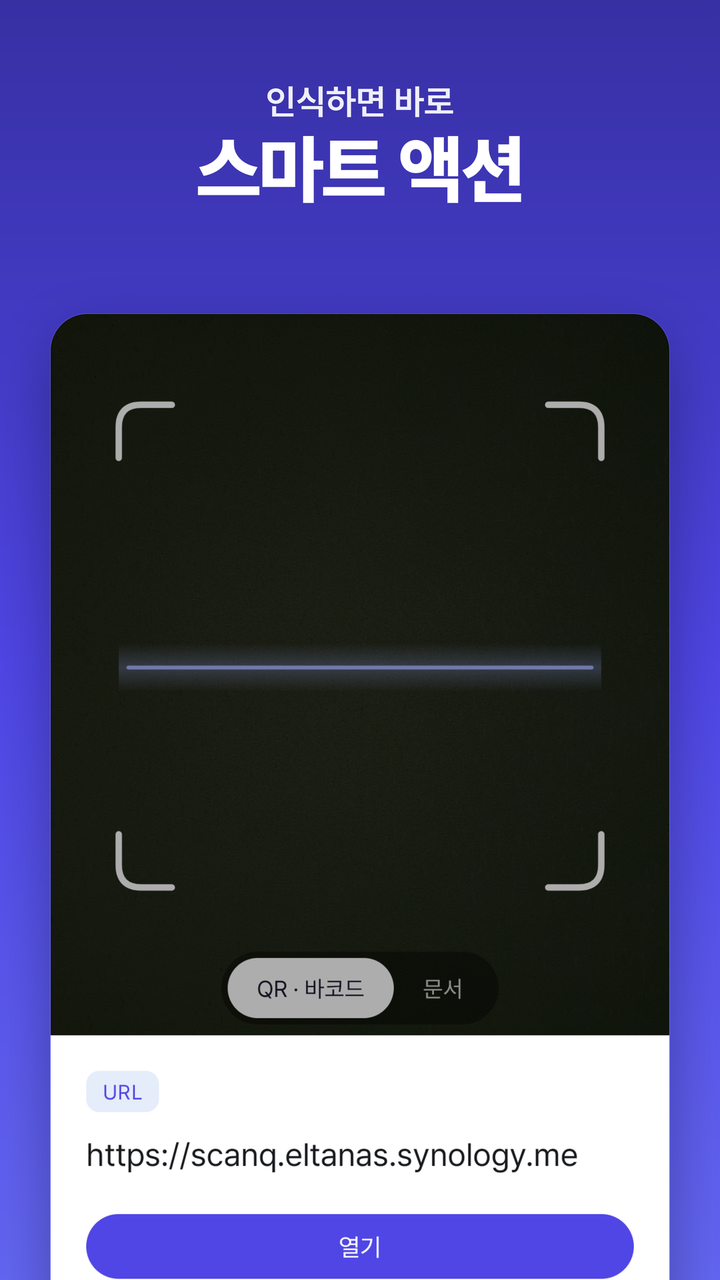
카메라를 비추면 QR·바코드 자동 인식. 타입별 스마트 액션(링크·전화·지도·연락처 저장). 스캔 기록 저장·검색·즐겨찾기·메모. 갤러리 이미지에서도 읽기.
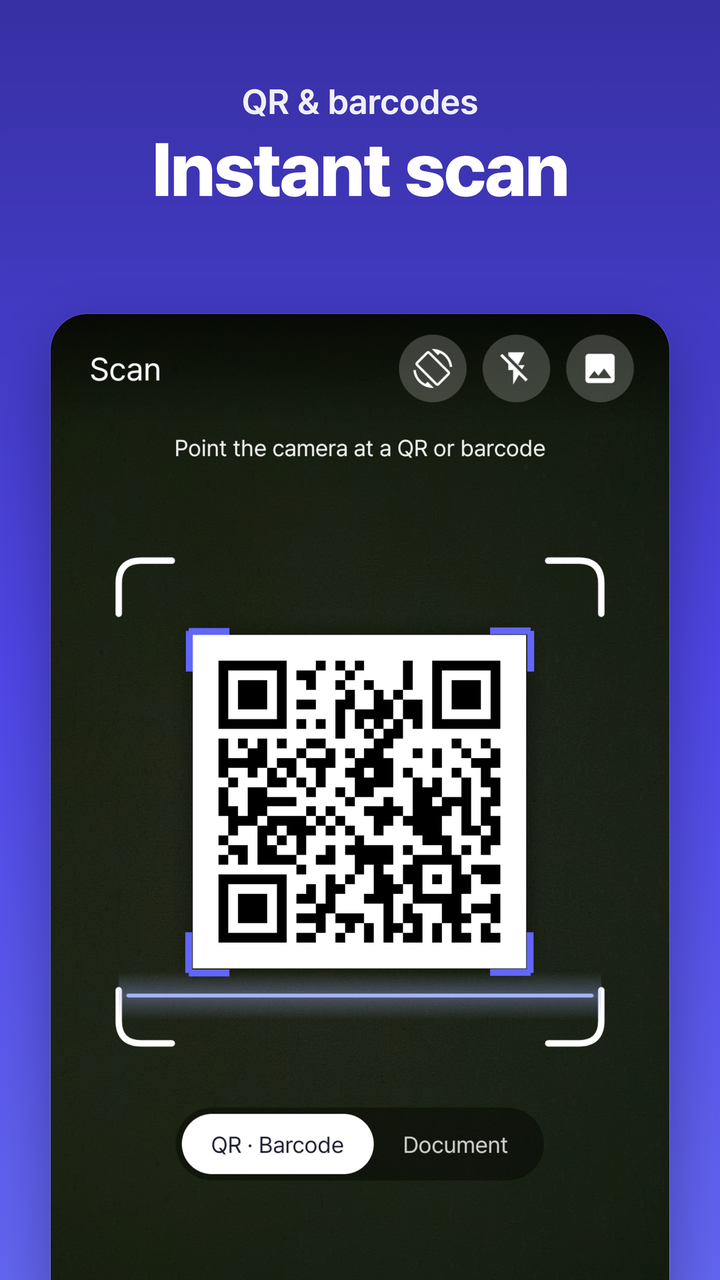
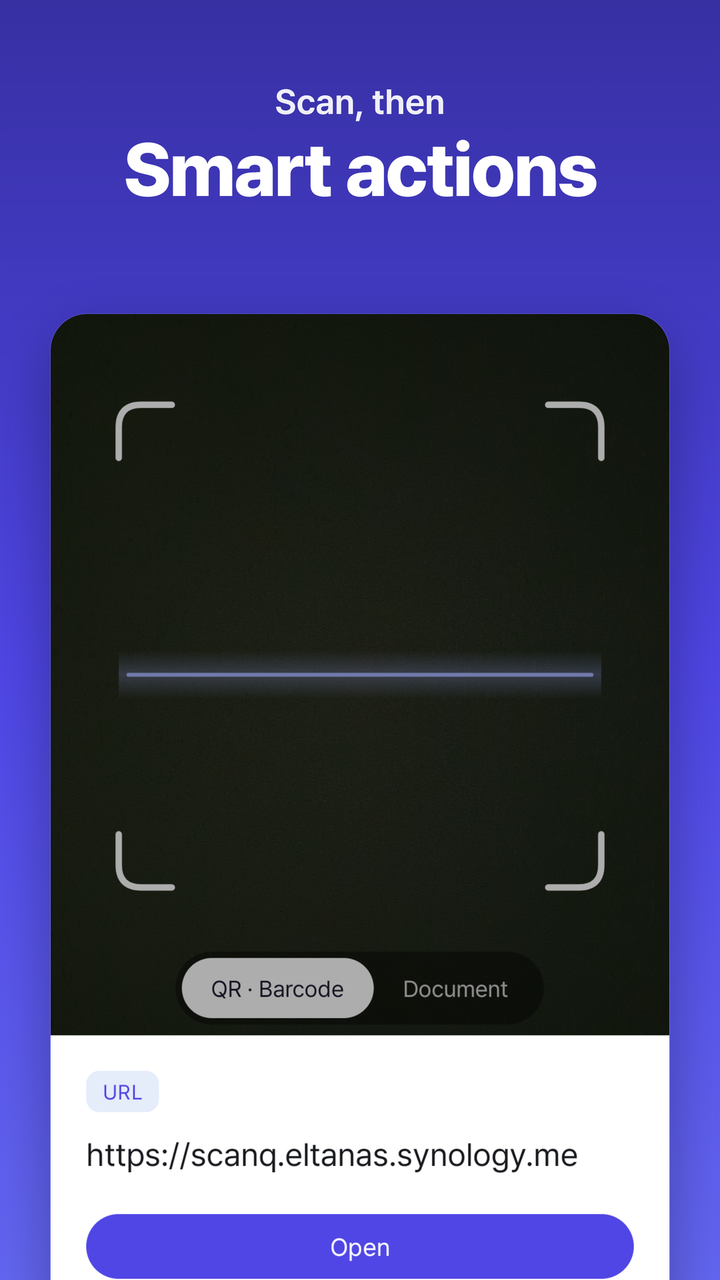
Point your camera to auto-detect QR codes and barcodes. Smart actions by type — open link, call, map, save contact. History with search, favorites, and memos. Read from gallery images too.
🔤
OCR 텍스트 추출
OCR Text Extraction
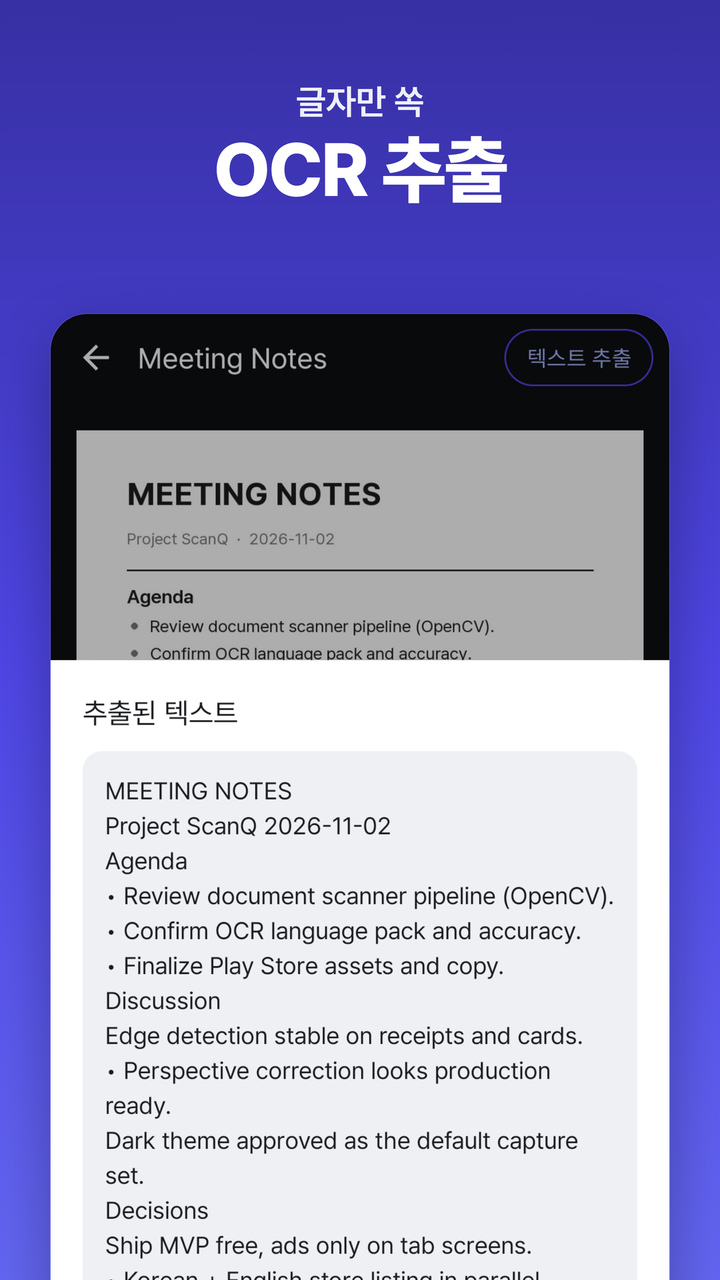
스캔 문서에서 글자를 인식해 텍스트로 추출 (한국어·영어). 추출한 내용 복사·공유. 모든 인식은 기기 안에서 — 인터넷 전송 없음.
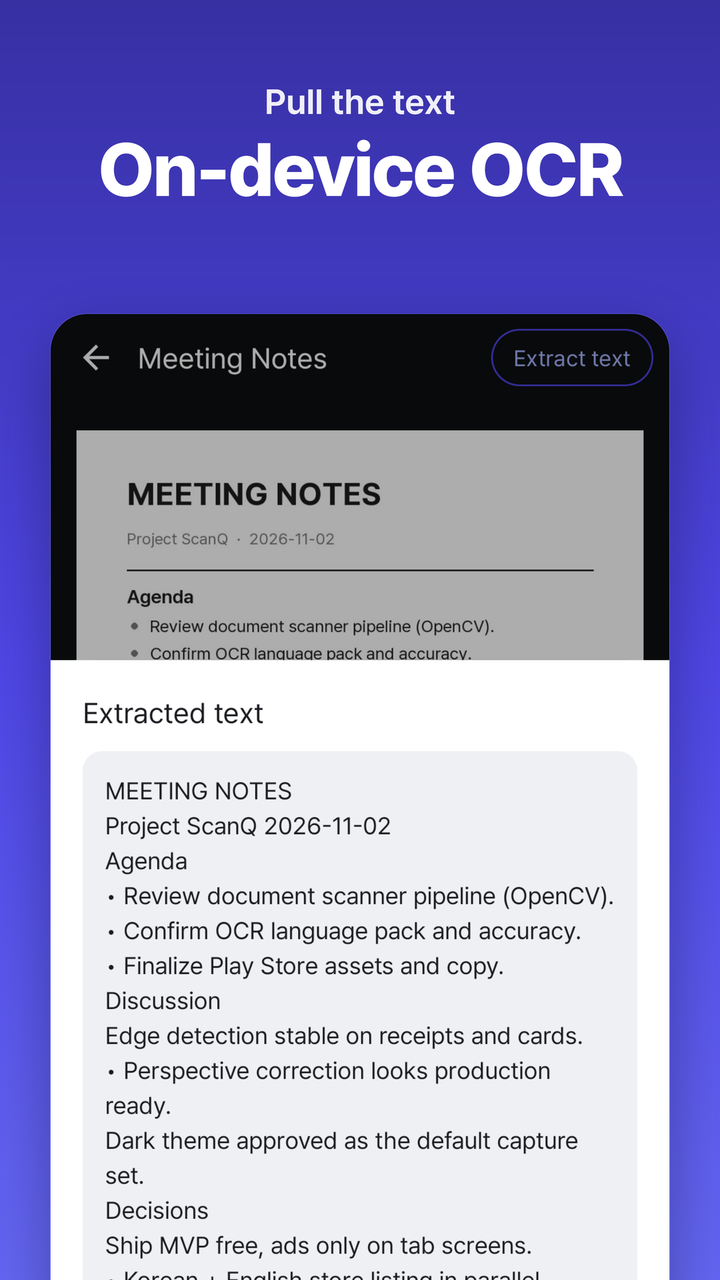
Recognize text in scanned documents (Korean + English) and extract as plain text. Copy or share the result. All recognition runs on-device — nothing sent online.
📄
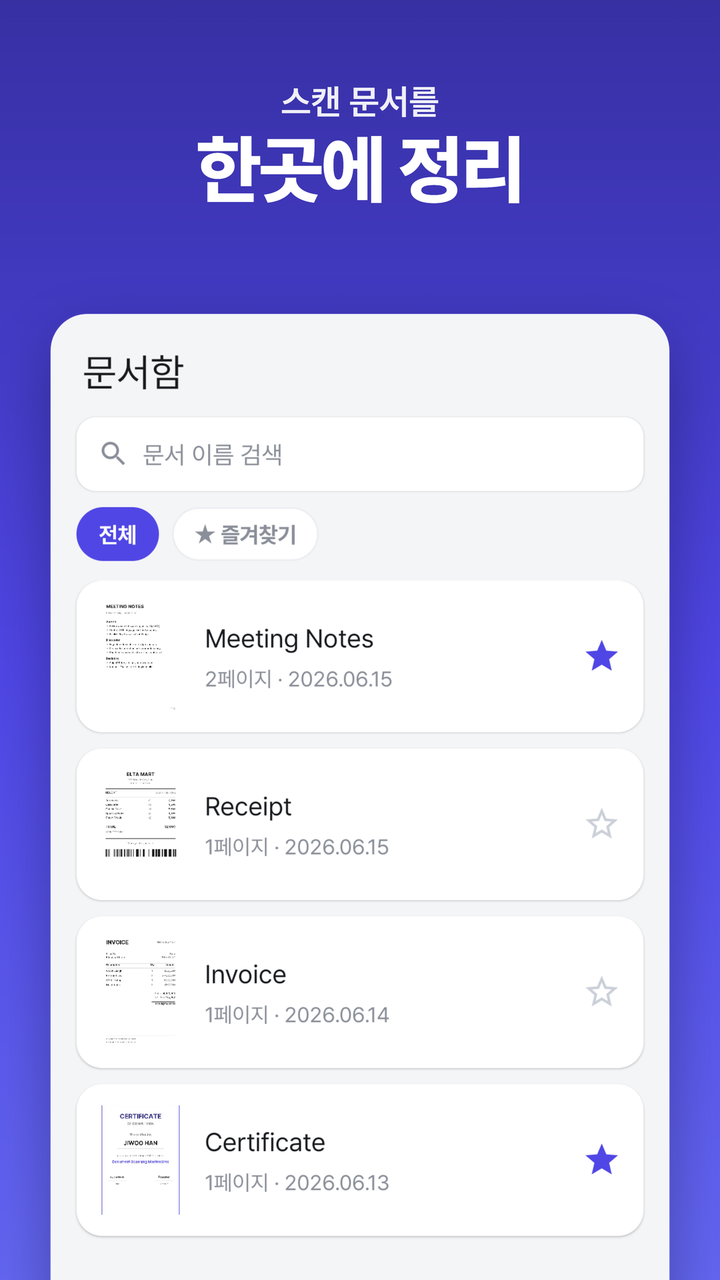
문서함
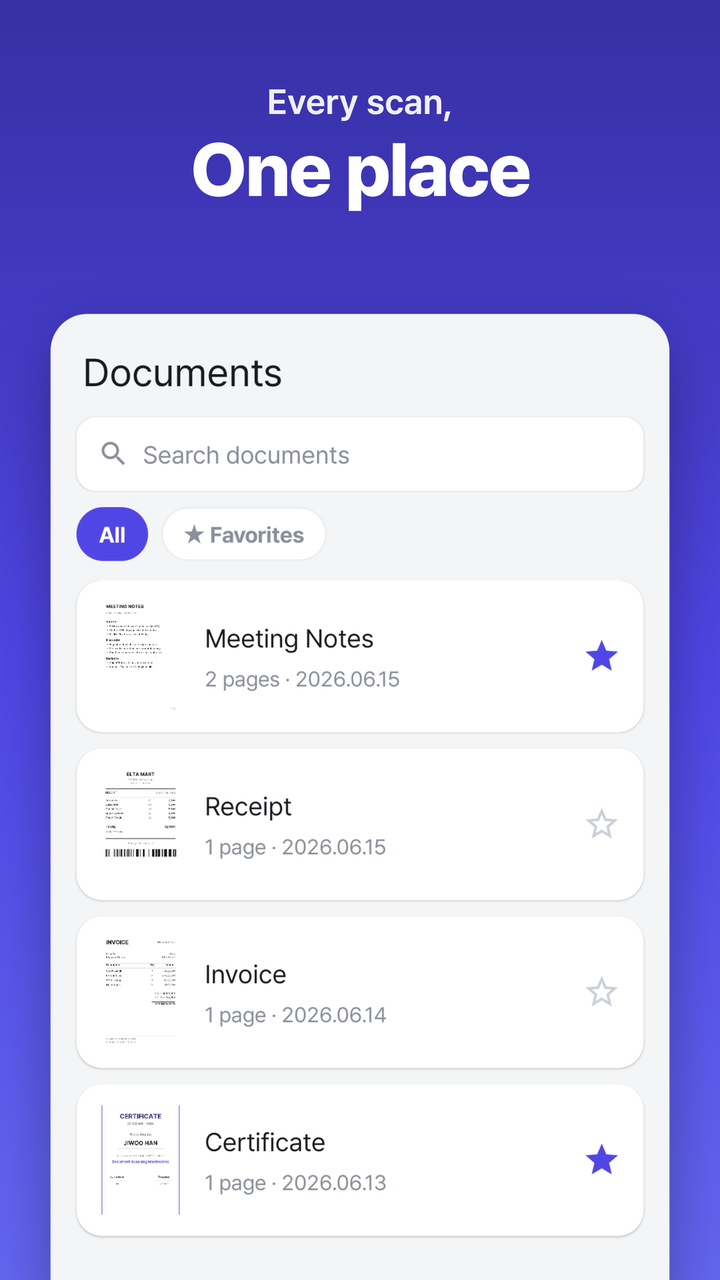
Document Library
스캔한 문서를 썸네일 목록으로 한눈에. 검색·즐겨찾기·이름 변경·삭제. 필요한 문서만 골라 빠르게 정리.
Browse all your scans in a thumbnail list. Search, favorite, rename, delete. Organize only what you need.
✨
QR 만들기
QR Generator
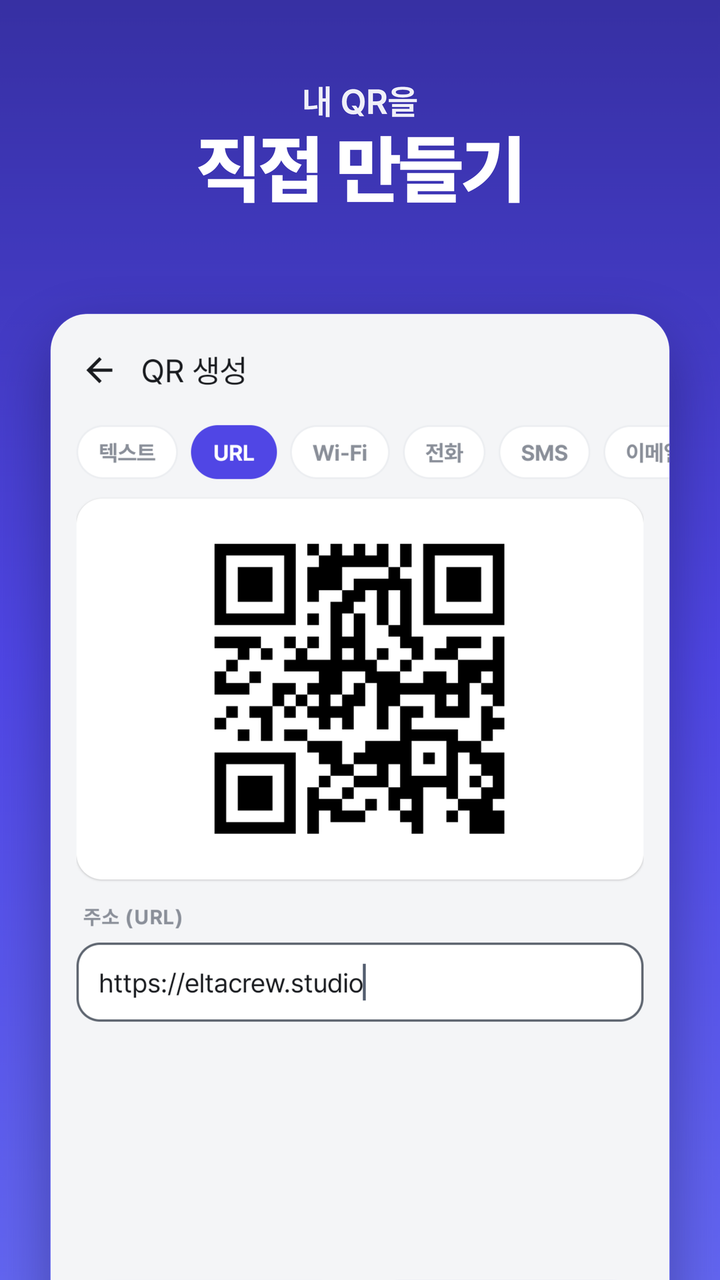
텍스트·URL·Wi-Fi·전화·SMS·이메일·연락처 QR을 실시간 미리보기로 만들고 이미지로 저장·공유.
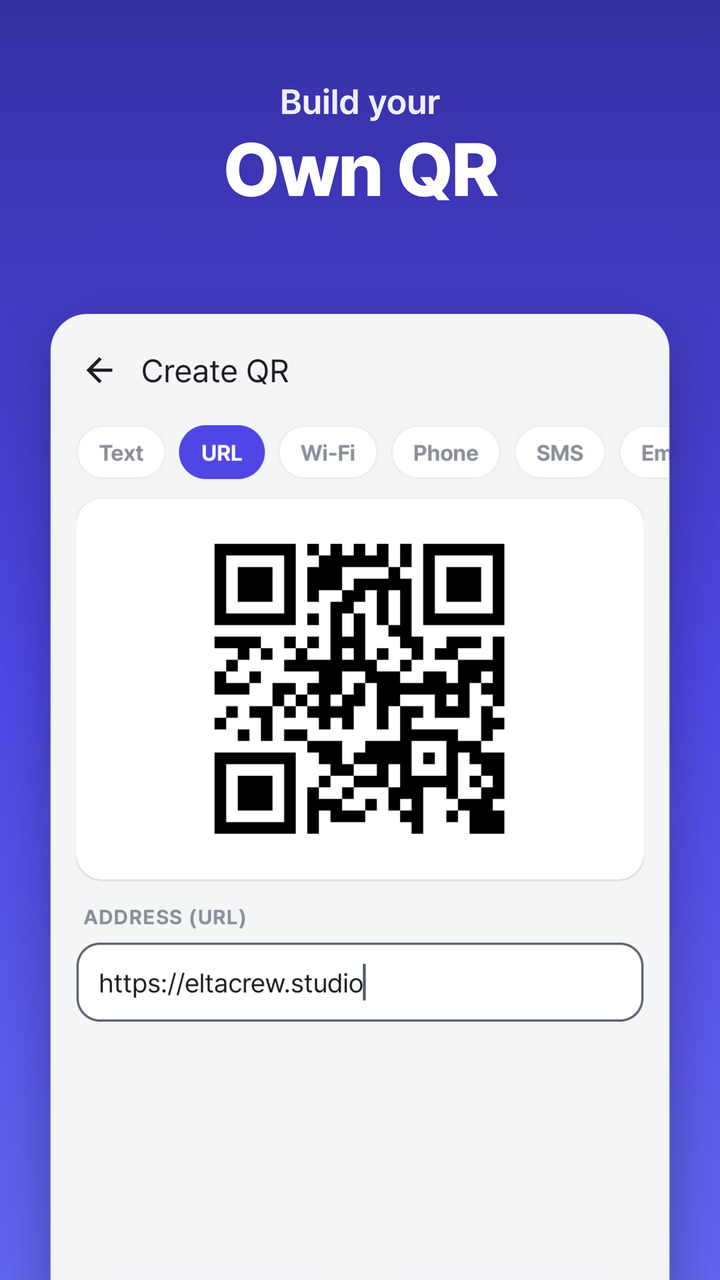
Generate QR for text, URL, Wi-Fi, phone, SMS, email, and contact — live preview, then save or share as an image.
🔒
온디바이스 · 회원가입 없음
On-device · No sign-up
스캔 데이터는 기기에만 저장, 서버 전송 없음. 회원가입 불필요. 라이트/다크 테마, 한국어/영어 지원.
Scan data stays on your phone — never sent to a server. No sign-up required. Light/dark theme, Korean/English.