📄
완벽한 렌더링
Full rendering
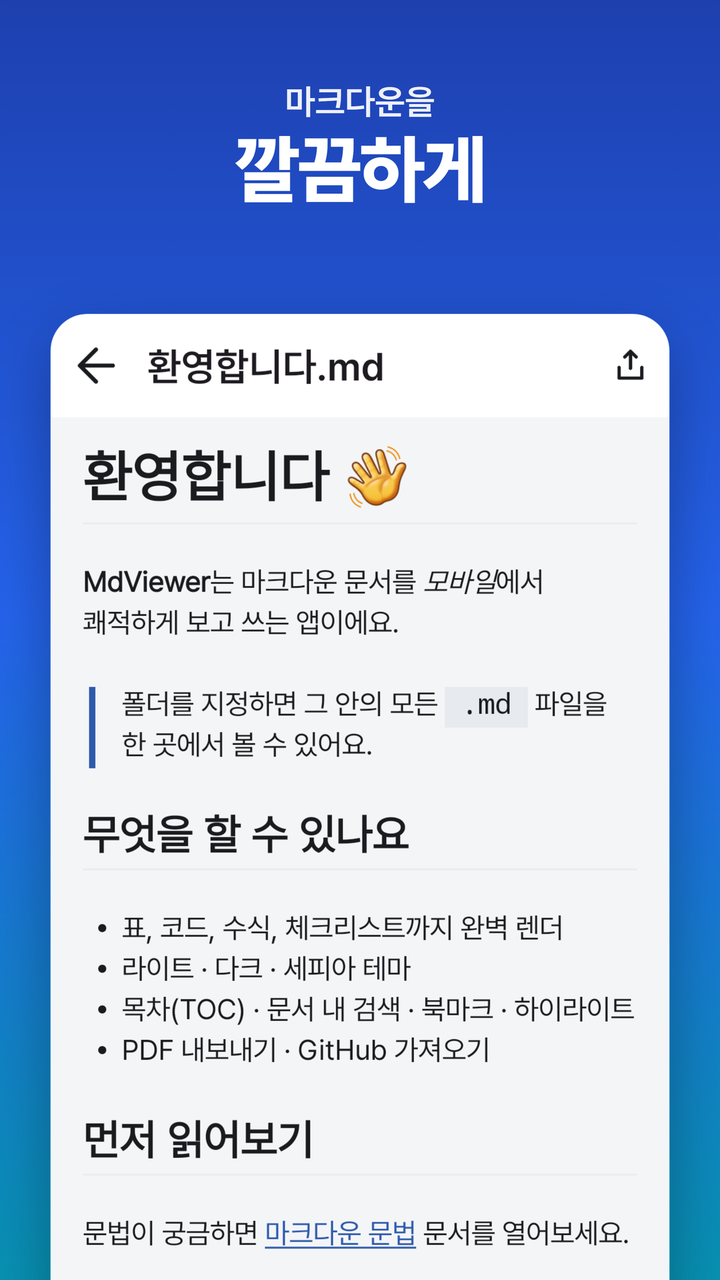
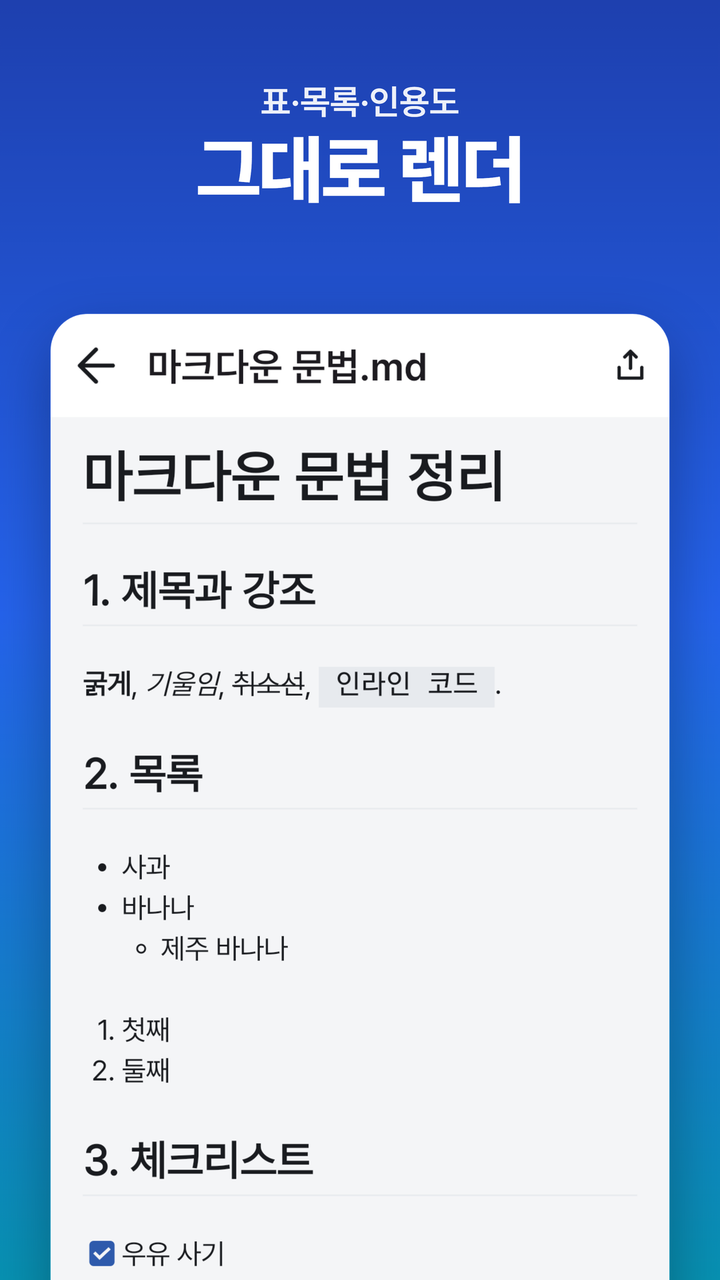
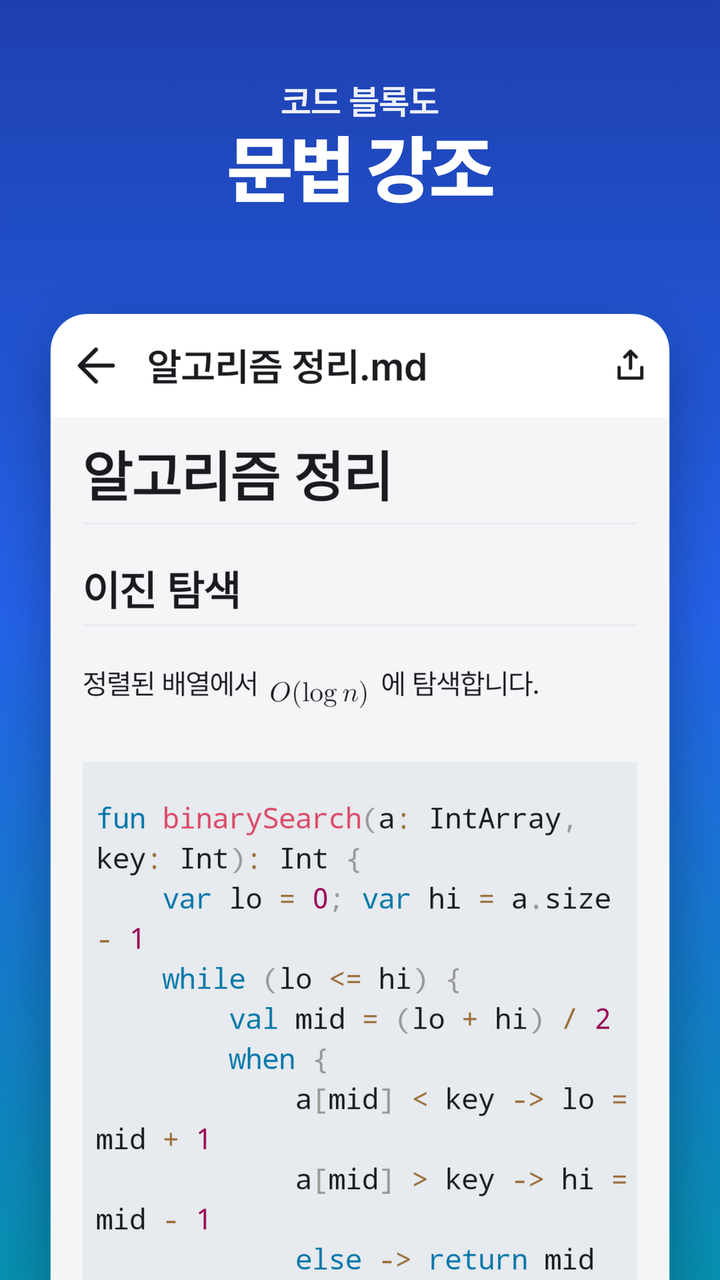
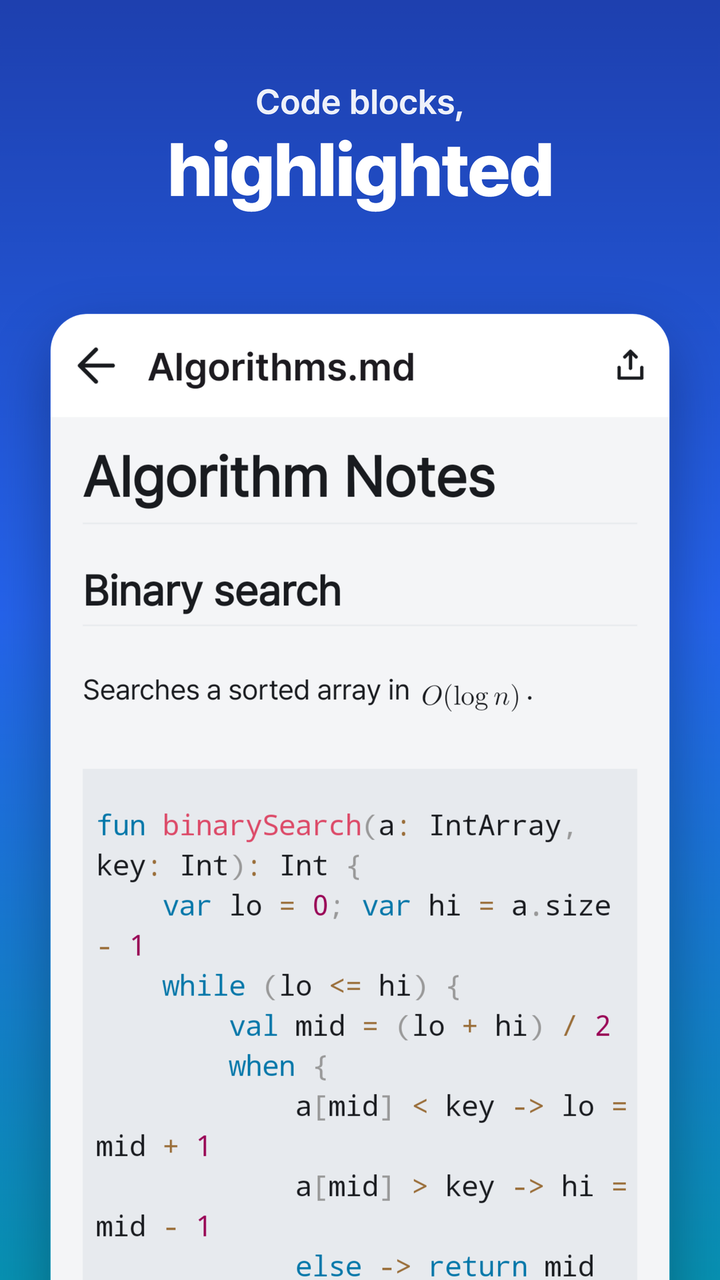
표·코드 신택스 하이라이트(Kotlin·Python·JSON 등)·수식(LaTeX 인라인/블록)·체크리스트·이미지·위키링크 [[문서명]] 전부 정확하게 표시.
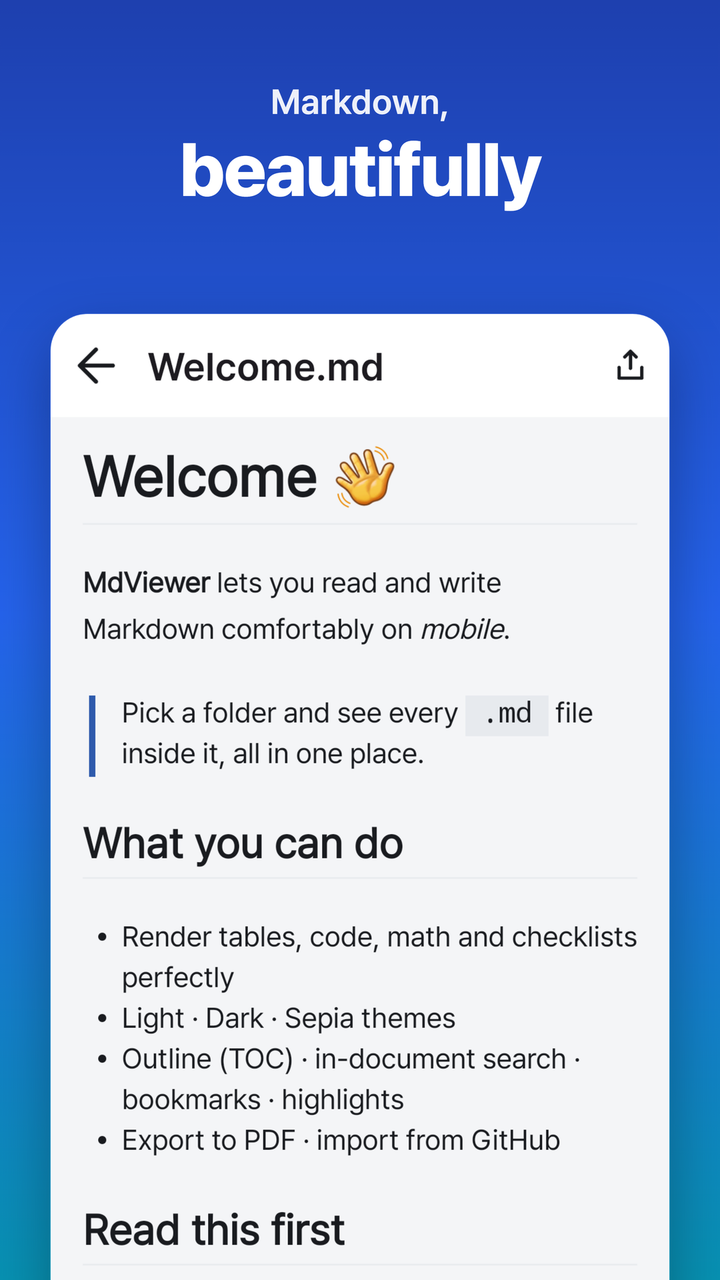
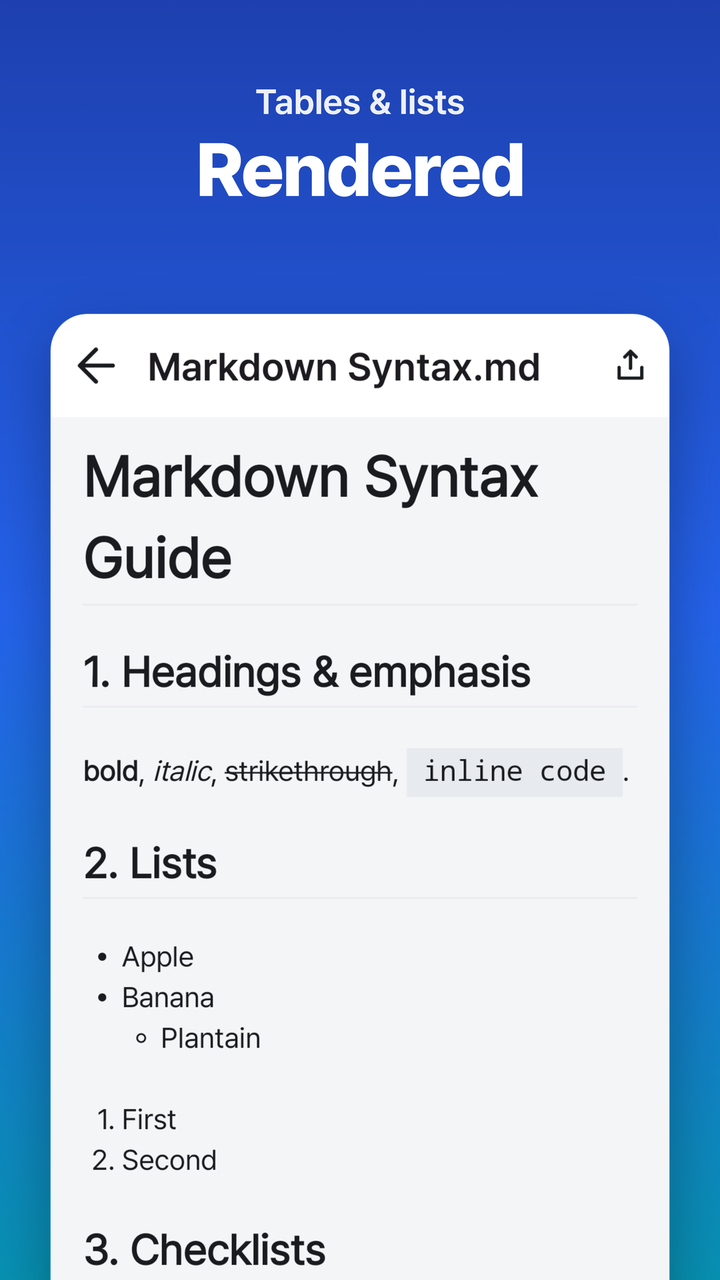
Tables, code syntax highlighting (Kotlin, Python, JSON…), math (LaTeX inline/block), task lists, images, and wiki-links [[name]] — all rendered precisely.
🎨
3가지 테마 + 읽기 설정
3 themes + reading controls
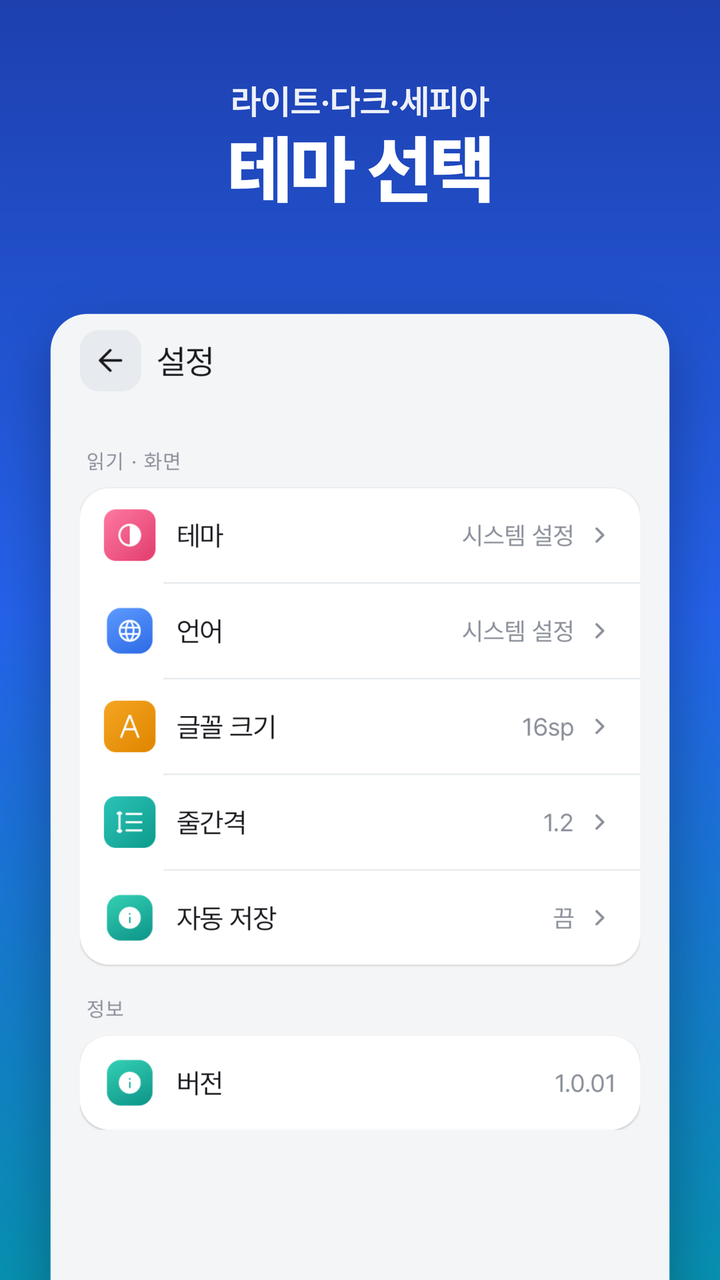
라이트 · 다크 · 세피아 테마와 글꼴 크기·줄간격 조절. 짧은 메모부터 긴 기술 문서까지 눈에 편하게.
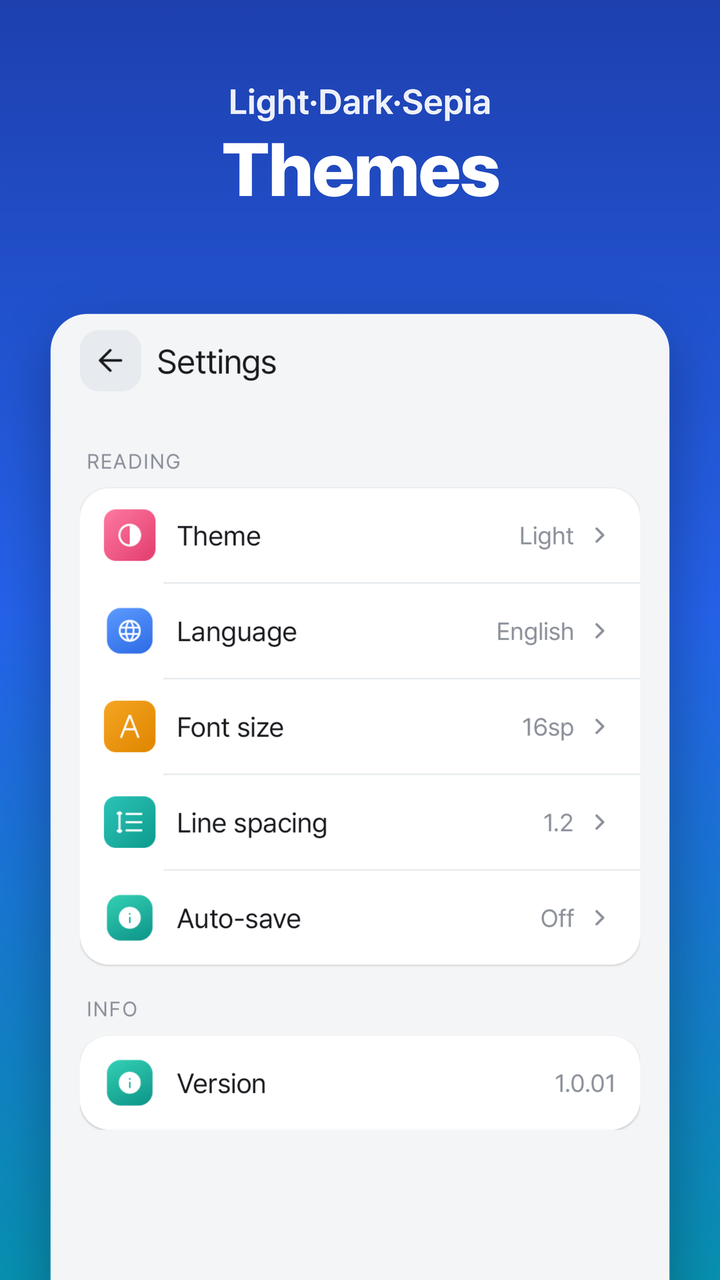
Light, dark, and sepia themes with adjustable font size and line spacing. Comfortable for quick notes and long technical docs alike.
🔍
목차 · 문서 내 검색
Outline & in-doc search
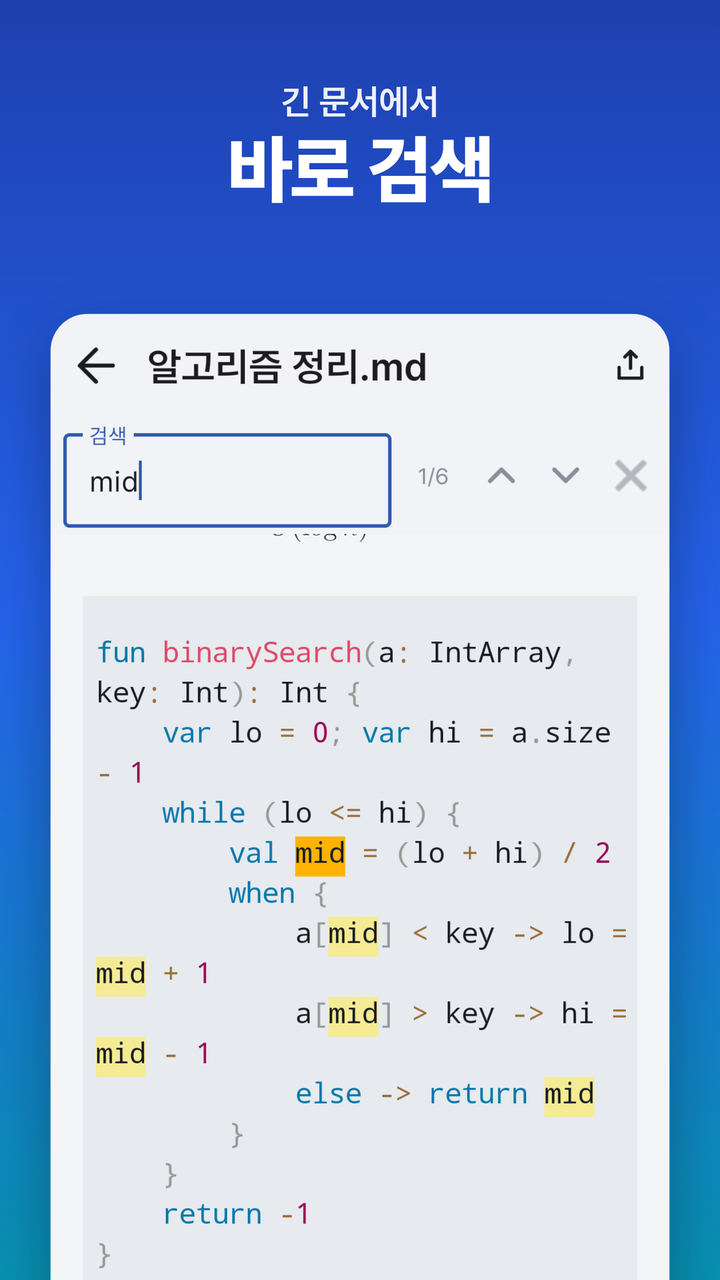
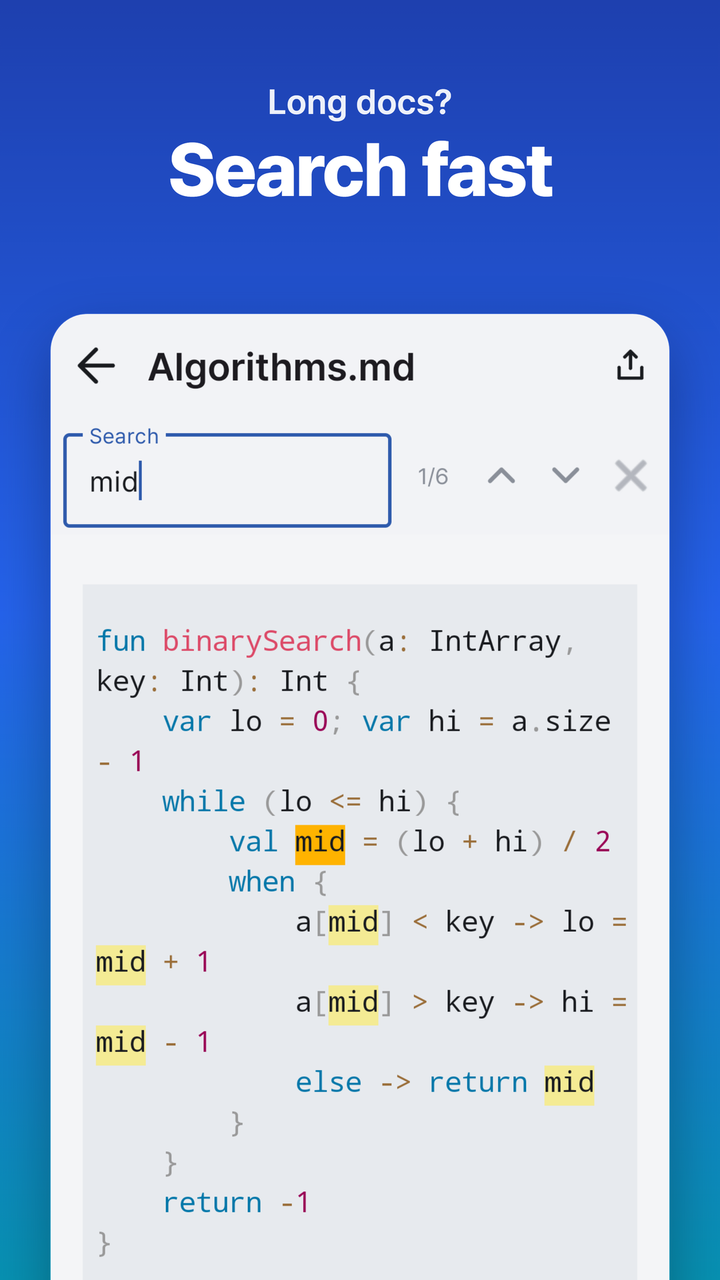
헤딩 목차(TOC)로 긴 문서를 한 번에 점프하고, 이전·다음 탐색으로 원하는 단어를 즉시 찾기.
Jump through long documents via heading outline (TOC), with prev/next search for instant word lookup.
🔖
북마크 · 하이라이트
Bookmarks & highlights
원하는 색으로 형광펜을 긋고, 중요한 위치를 북마크해 다시 바로 찾아가기.
Highlight in any color and bookmark specific positions to return to them instantly.
✍️
에디터 + 실시간 미리보기
Editor + live preview
편집과 미리보기를 오가며 작성. 서식 툴바와 자동 저장으로 끊기지 않는 흐름.
Toggle between edit and preview. A formatting toolbar and auto-save keep you in flow.
📤
PDF · HTML 내보내기 · GitHub 가져오기
Export PDF/HTML · GitHub import
보고 있는 문서를 PDF·HTML로 내보내고, owner/repo 입력만으로 GitHub 저장소 .md 전체를 오프라인에서 열람. 비공개 저장소는 토큰 지원.
Export any doc as PDF or HTML. Enter owner/repo to download an entire GitHub repository's .md files for offline reading — private repos supported via token.
📷
문서 스캔 (OCR)
Document scan (OCR)
카메라·갤러리 사진 속 글자를 인식해 마크다운 문서로 변환. 온디바이스 처리.
Recognize text in photos from camera or gallery and convert it to Markdown — fully on-device.
📁
폴더로 모아보기
Folder library
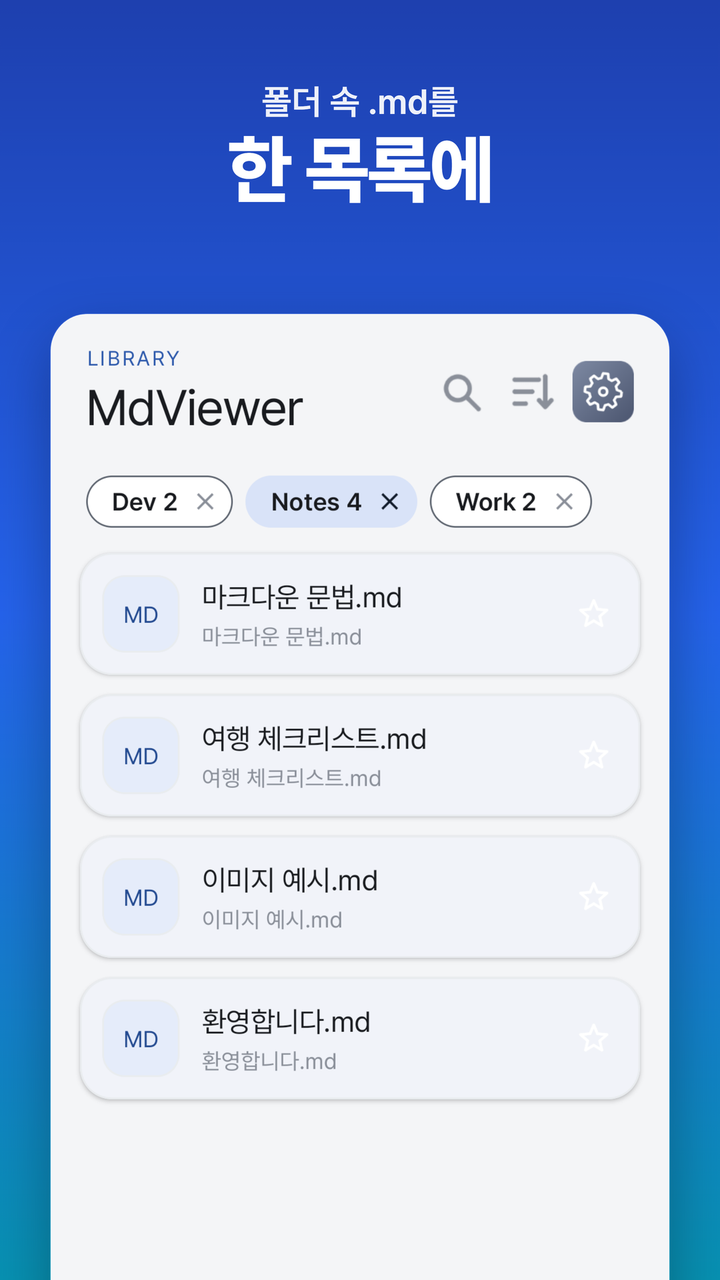
기기의 어떤 폴더든 지정하면 그 안 .md 목록을 한눈에. 당겨서 새로고침으로 원본과 동기화.
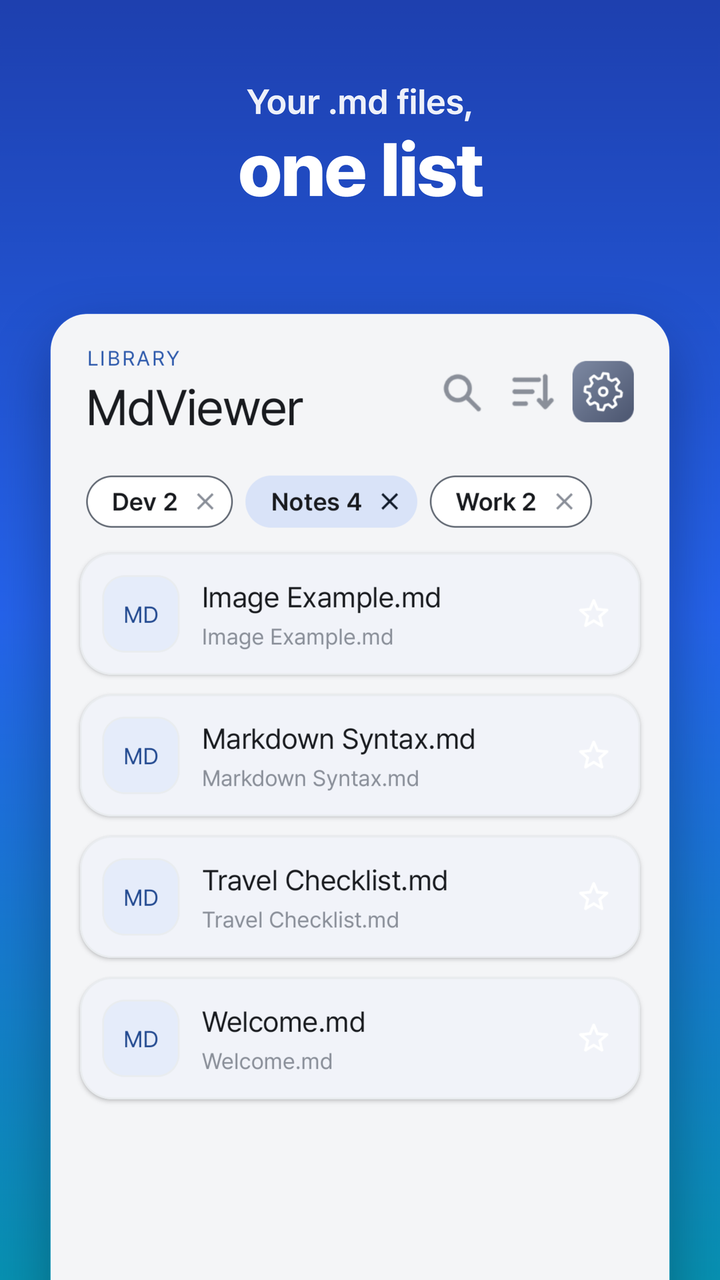
Add any folder on-device to see all its .md files in one list. Pull to refresh to stay in sync.